
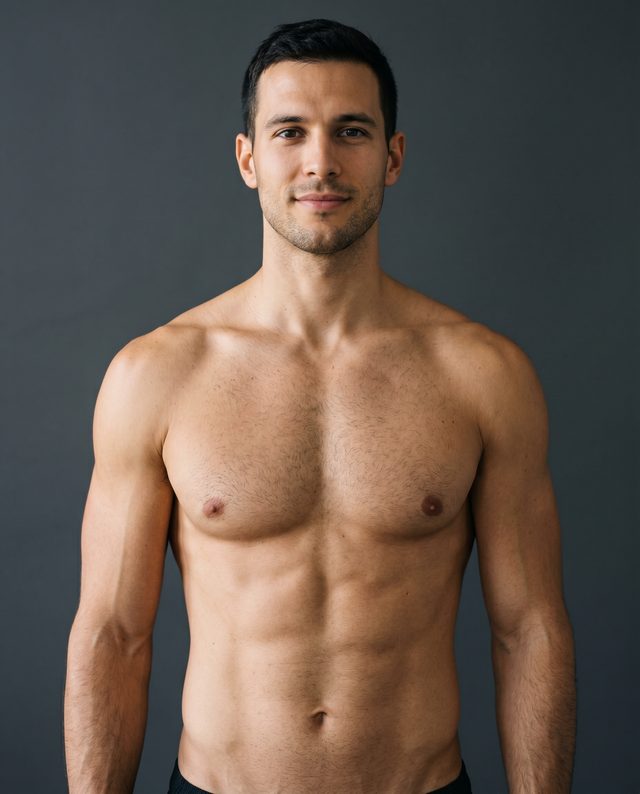
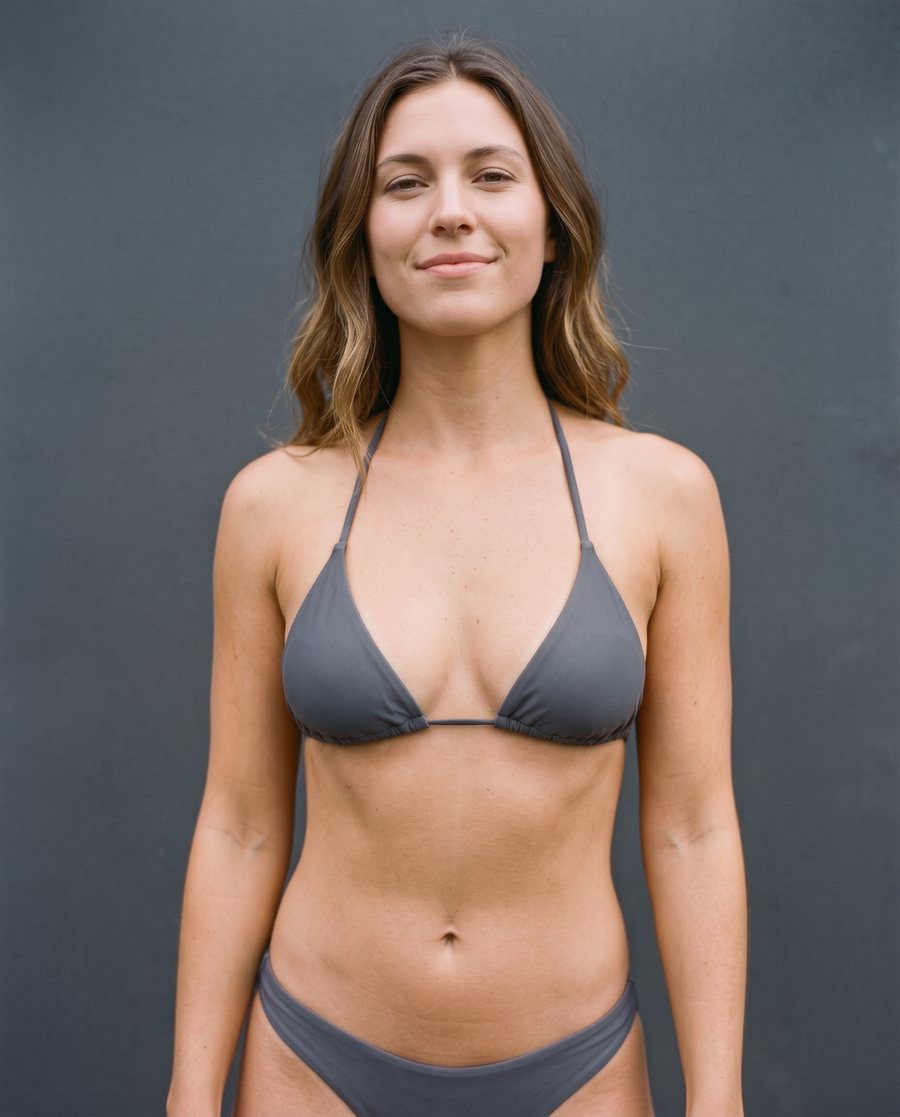
The original photos
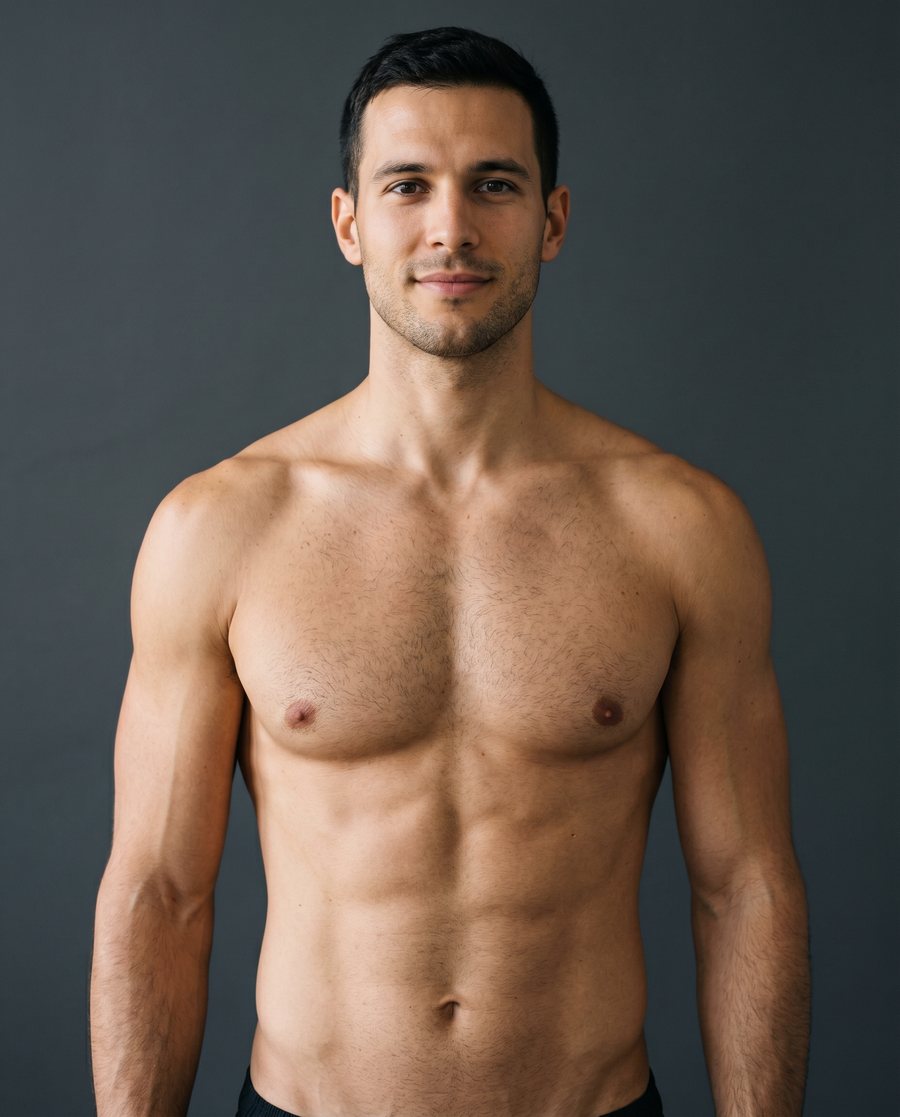
Two ordinary photos, taken from the front against a plain wall. One picture of each person, with no other angles: this is all the 3D models above were made from.
What you are looking at
Every point is a pixel of the photo, set where it was worked out to be in space. One picture, taken from the front with an ordinary camera, is enough: the curves of the chest, the shoulders and the arms come out on their own.
The light-grey points behind the body are the wall the person stood against. Turn the body and you will see its outline cut out of the wall: the camera never saw what was behind the person, so there is nothing there.
Four views
The Points view keeps the photo's own colours.
The Shape view takes the colour away and lights the surface, so you see nothing but its form: where the body turns away, where it rounds and where it is flat.
The Distance view colours every point by how near it is to the camera: the nearest are peach, then orange, and the farthest sink into dark violet.
The Relief view colours the surface by the way it faces: orange where it turns to the right, violet to the left, warm yellow upwards, blue downwards and pale where it faces the camera. The colours stay on the body as you turn it.
Why a tattoo app cares
A tattoo isn't a sticker: on a shoulder or across the ribs it follows the body. INKterest's 3D mode works out the shape of your body from your photo and bends the design along it, right on your iPhone, and the photo never leaves it.
The two bodies on this page were prepared in advance, so the page can't take a photo of yours. To see a tattoo follow your own body, try the 3D mode in the app.