

A try-on is only as good as the picture behind it. The app keeps the ink and lets everything white melt into your skin — so the cleaner the design, the more real it looks on you.
What works
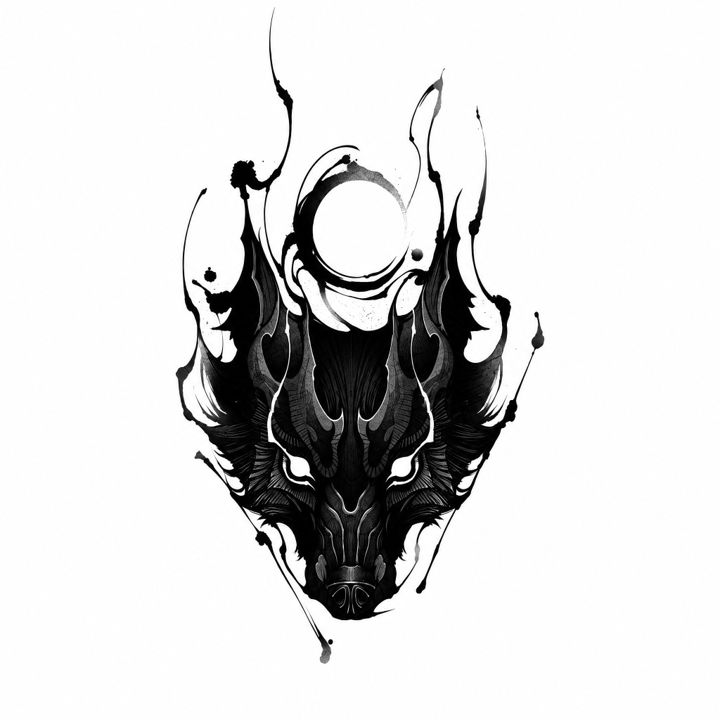
- A drawing on a plain white background. The white turns into your skin and only the ink stays.
- Clean: no smudges, stains, shadows, creases or paper grain. Anything dark is taken for ink and ends up on you too.
- The design alone and sharp: no captions, watermarks or a second sketch beside it, and not a tiny, blurry copy.
What doesn't
- A tattoo that is already on someone's body. Their skin, their shadows and the shape of their arm come along with it.
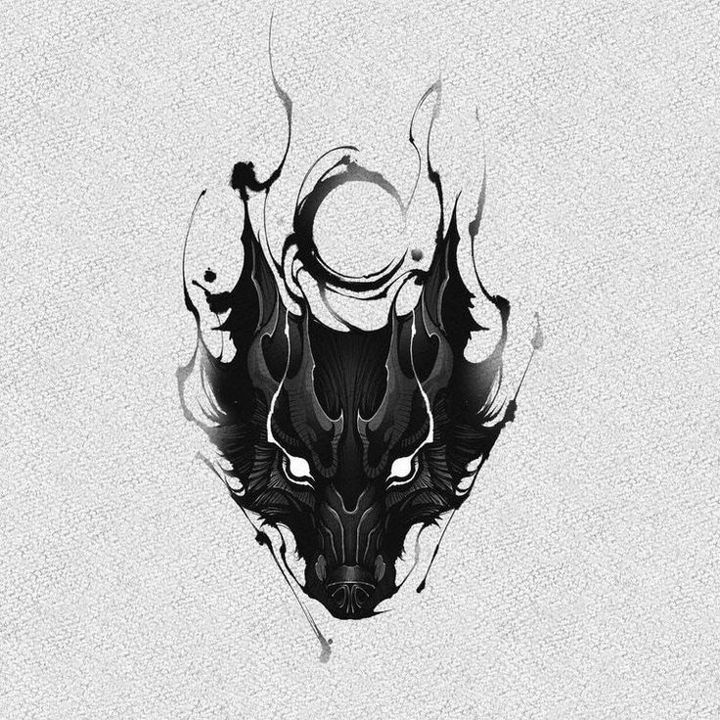
- A design on a wall, a T-shirt or in a room, or on grey, textured paper. The background stays around the tattoo as a box or as dirty patches.
Side by side
On the left, a picture that works; on the right, the same design the way it doesn't. Tap a pair to see it up close.
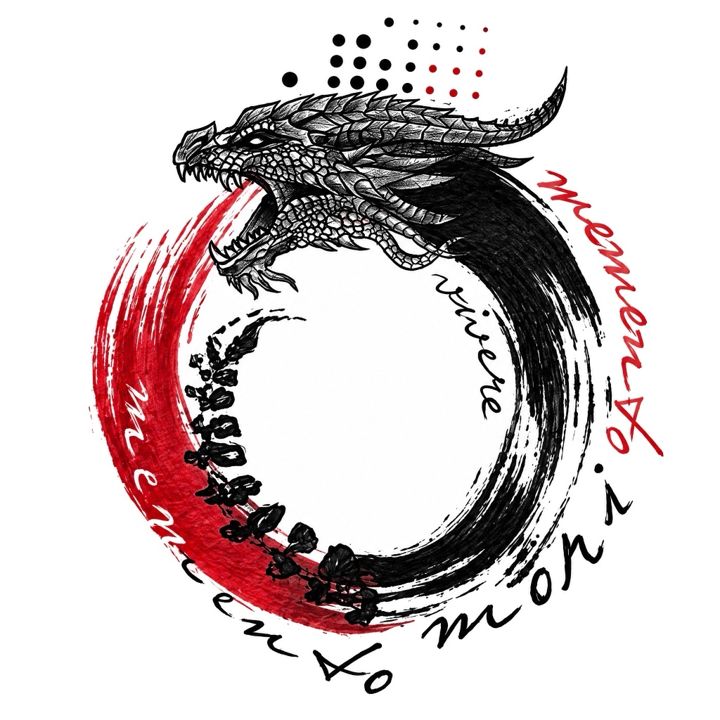
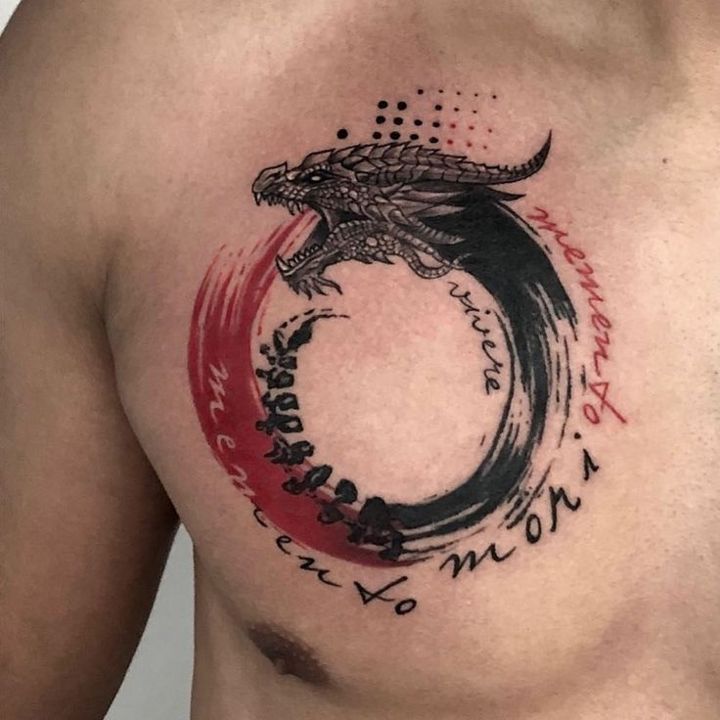
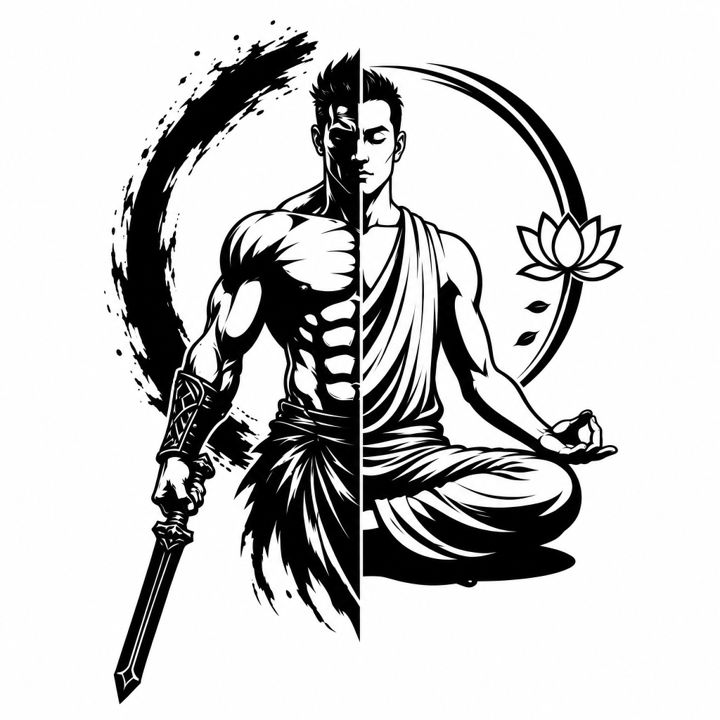
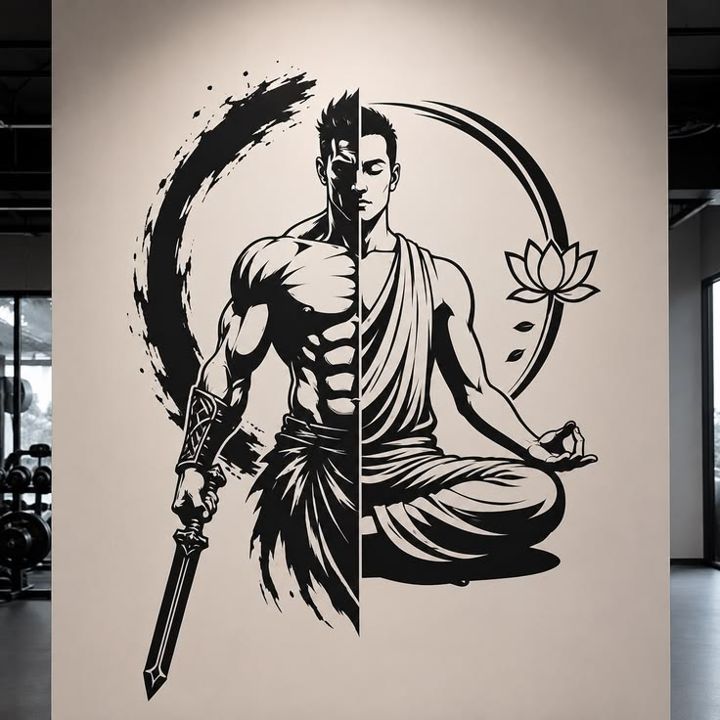
Only have a picture like that?
Open it in the Tattoos Editor — the pencil on the tattoo — to crop it, paint out stains and turn a grey background white. For a tattoo photographed on a body, look for the same design as a sketch: on Pinterest or in Tattoo Styles.